Fast GST-ready billing
Handle busy counters with a billing flow that helps staff move quickly while still keeping invoices organized and tax-ready.
Apna POS is designed for restaurants, cafes, bakeries, QSR counters and growing food brands that want faster billing, better stock visibility and practical outlet reporting.
Indian food businesses usually need practical GST-ready billing, simple invoice printing, quick training for counter staff and branch-level visibility that does not require a separate analyst.
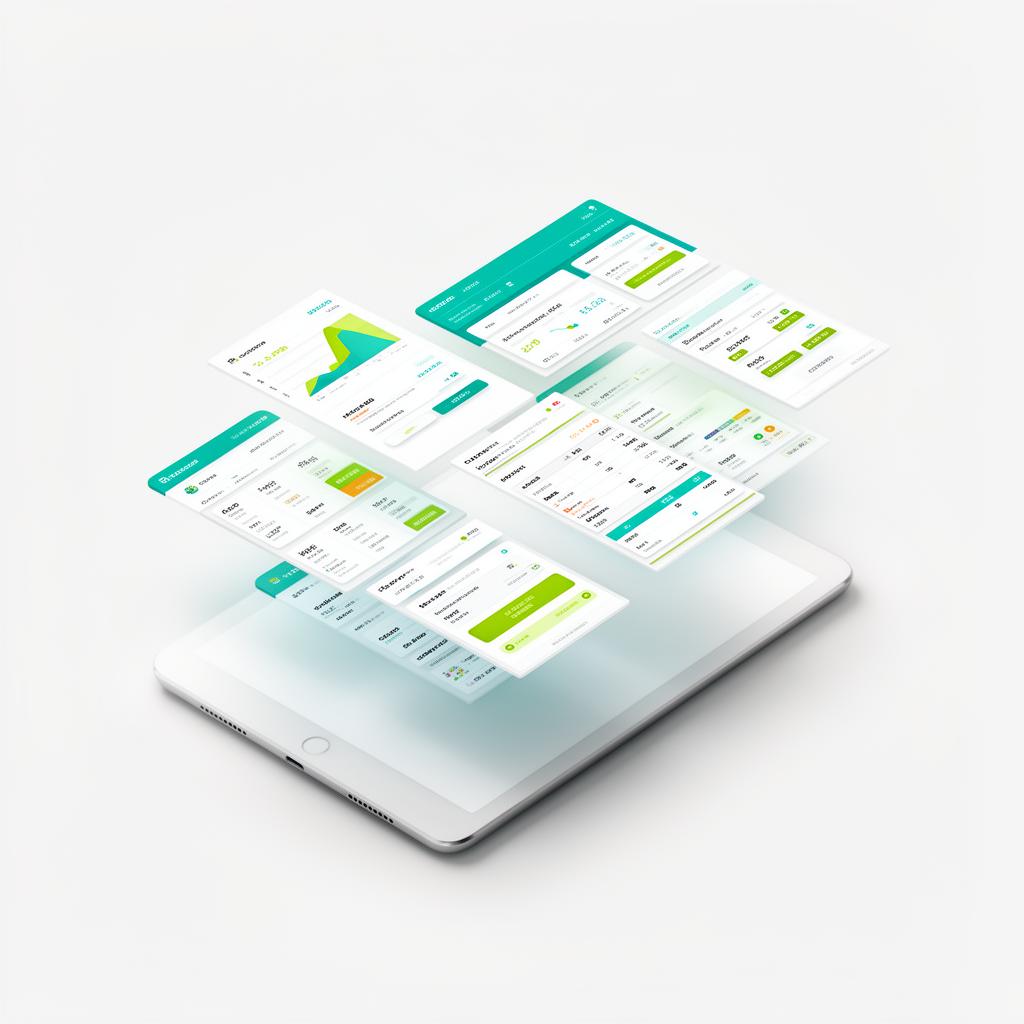
Restaurant POS Software is most valuable when it improves everyday execution, not when it simply adds another dashboard to the business. Apna POS is designed for restaurants, cafes, bakeries, QSR counters and growing food brands that want faster billing, better stock visibility and practical outlet reporting. For operators in India, the ideal outcome is straightforward: faster service at the counter, better visibility into stock and reports that help owners make decisions without waiting for someone to compile numbers manually.
That is why this page looks at restaurant POS software through the lens of real operating conditions in India. Whether you run Restaurants, Cafes, Bakeries, and QSR counters or another format close to restaurant billing, café operations and food-service counter management, the software should help your team complete work faster while giving management cleaner business visibility.
Many businesses in India start with basic billing tools, manual registers or disconnected spreadsheets. The result is predictable: slow billing during rush hours, unclear item-wise sales visibility, and manual stock movement between kitchen and counter teams. When teams spend too much time correcting invoices, checking stock manually or confirming numbers at closing time, the software is not helping the business scale; it is creating friction inside the operation.
The issue usually becomes clearer as the business grows. More products, more counters or more branches introduce more pressure on accuracy and reporting. A purpose-built restaurant POS software setup should reduce that pressure. It should simplify billing for staff, connect stock and sales for managers and give owners a clear picture of what is happening without digging through multiple systems.
The best restaurant POS software pages do not rank because they repeat one keyword over and over. They rank because they answer the questions business owners in India actually ask before buying: Will the team learn this quickly? Will billing speed improve? Will product or stock visibility become clearer? Will the reports make management easier? Apna POS is positioned around those practical concerns rather than abstract feature lists.
A strong solution should connect the whole operating loop. Billing should be clean, inventory should stay visible, invoices should remain consistent and management should get useful reports at the end of the day. When those elements work together, software becomes an operational advantage instead of just another tool the staff has to open.
Handle busy counters with a billing flow that helps staff move quickly while still keeping invoices organized and tax-ready.
Structure menu items, categories and pricing clearly so staff can find products faster and managers can maintain cleaner records.
Review sales performance for each branch or counter without compiling numbers manually at the end of the day.
Track stock movement, low-stock situations and purchasing trends with fewer disconnected spreadsheets.
Print branded invoices and receipts that look professional and fit the service style of your food business.
Use clear reports to understand top-selling items, peak periods and branch performance without extra reporting tools.
Apna POS is a practical fit for Restaurants, Cafes, Bakeries, QSR counters, Sweet shops, and Cloud kitchens. These business formats may look different on the surface, but they share a similar need: a system that is easy for the team to use and detailed enough for ownership to trust. That balance matters in India because many businesses cannot afford a long software learning curve every time they hire or open a new counter.
If you are comparing vendors, ask a simple question: does the product help the actual operating team work faster while giving ownership a better view of the business? If the answer is no, the feature list will not rescue the implementation later. The right fit should feel useful to the person creating the bill and to the person reviewing the report at night.
Owners generally do not buy software because they want more screens. They buy it because they want shorter billing queues, clearer outlet-level sales reviews, and better visibility into fast-moving items. When the platform improves those outcomes, the result shows up quickly in the business: smoother counters, fewer avoidable corrections, better conversations about stock and more confidence in management reporting.
These results matter even more for businesses in India where the same owner may oversee billing, purchasing, staff training and business expansion. A dependable system reduces the number of small issues that pull attention away from growth. It gives teams a repeatable process and gives owners cleaner numbers to act on.
Most buying mistakes happen when businesses judge software only by the sales presentation. A better approach is to compare the details that affect daily execution: billing speed during peak hours, easy staff onboarding, branch-wise reporting, and inventory visibility. Ask the vendor to show the exact workflow your staff will use, not a polished tour that avoids real-life complexity.
You should also check whether the system can grow with the business. A platform that works for one outlet but struggles when you add more products, more users or more locations will become expensive to replace later. The right restaurant POS software should solve today’s bottlenecks while keeping the door open for tomorrow’s expansion.
Indian food businesses usually need practical GST-ready billing, simple invoice printing, quick training for counter staff and branch-level visibility that does not require a separate analyst.
This is where Apna POS aims to be useful. The product messaging focuses on GST-ready invoicing, inventory visibility, outlet-aware reporting and simple daily workflows. That combination is especially relevant for Indian businesses that want strong execution without carrying the complexity of a heavy enterprise rollout from day one.
The smoothest rollouts usually start with menu cleanup, category mapping, staff role setup and a short practice session using real billing scenarios before going live. Businesses that take the time to do this groundwork usually see better adoption and fewer surprises in the first few days after launch. They also train staff faster because the workflows mirror the way the business already operates.
If you want to evaluate Apna POS seriously, the best next step is to book a focused demo. Share your business type, number of outlets, rough product count and current challenges. That makes it easier to see whether the billing flow, stock controls and reporting model fit your actual business rather than a generic software scenario.
The same platform can support restaurant billing, café operations and food-service counter management while giving owners clearer reports, practical invoices and a faster route from setup to daily use.
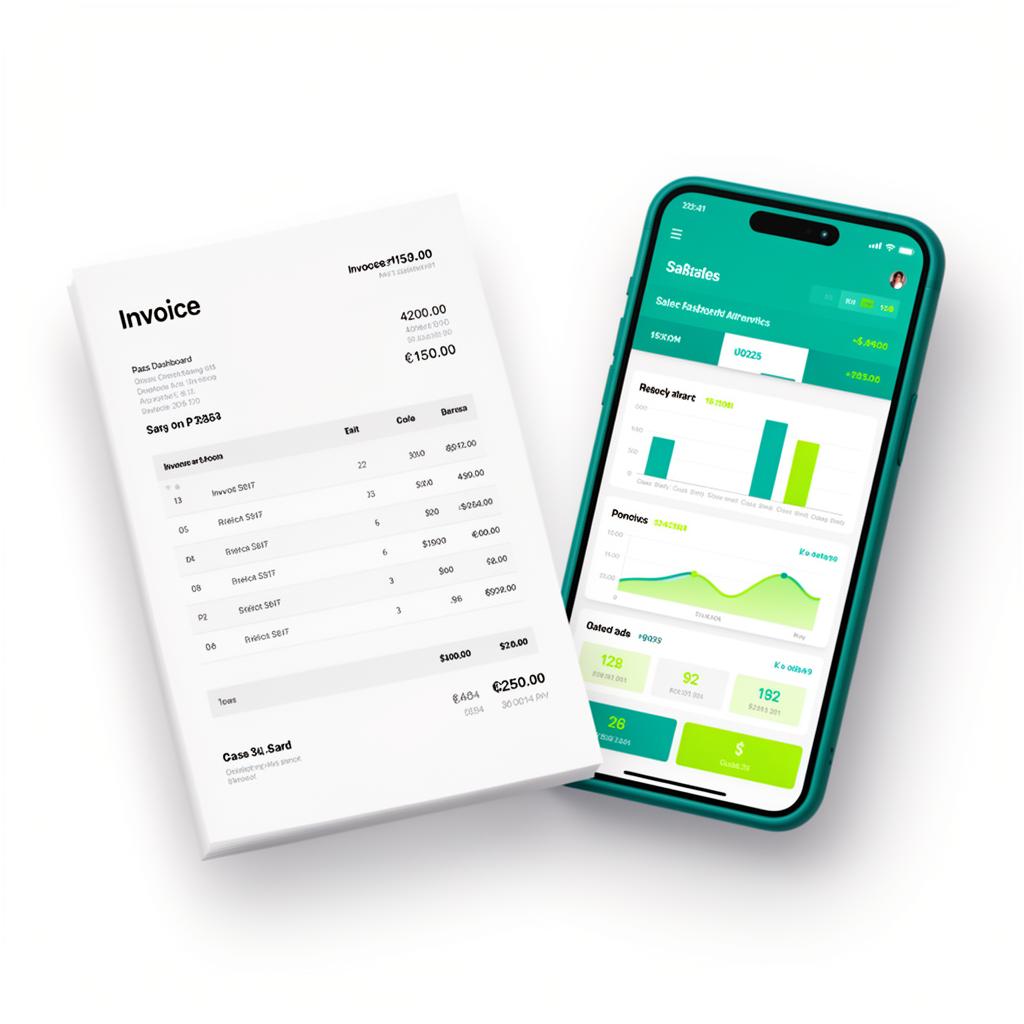
A strong restaurant POS software setup should support fast billing, GST-ready invoices, item-level visibility, stock tracking and reporting that helps owners review outlet performance with less manual work.
Yes. Apna POS is a practical fit for cafes, QSR counters, bakeries and dine-in operations that want cleaner billing workflows and clearer business visibility without overly complex tools.
Yes. The platform is positioned for both single-location operations and growing food brands that need branch-wise sales reviews, stock visibility and centralized reporting.
Ask for a demo that shows real counter speed, menu search, invoice printing, stock updates and branch reporting. Good restaurant POS software should feel simple for staff and useful for owners on the same day.
Share your outlet count, product volume and current billing challenges with the Apna POS team. We will walk you through a demo built around your real workflow.