Fast point-of-sale billing
Complete bills at the counter in seconds with a POS billing flow designed for high-frequency Indian business transactions.
Apna POS is POS billing software built for businesses that need fast counter billing, GST-ready invoices, stock-linked sales and clear daily reports — all from one practical point-of-sale billing system.
Indian businesses need POS billing software that handles GST invoices, UPI-heavy checkout, fast staff onboarding and practical reports — without the complexity of enterprise POS systems.
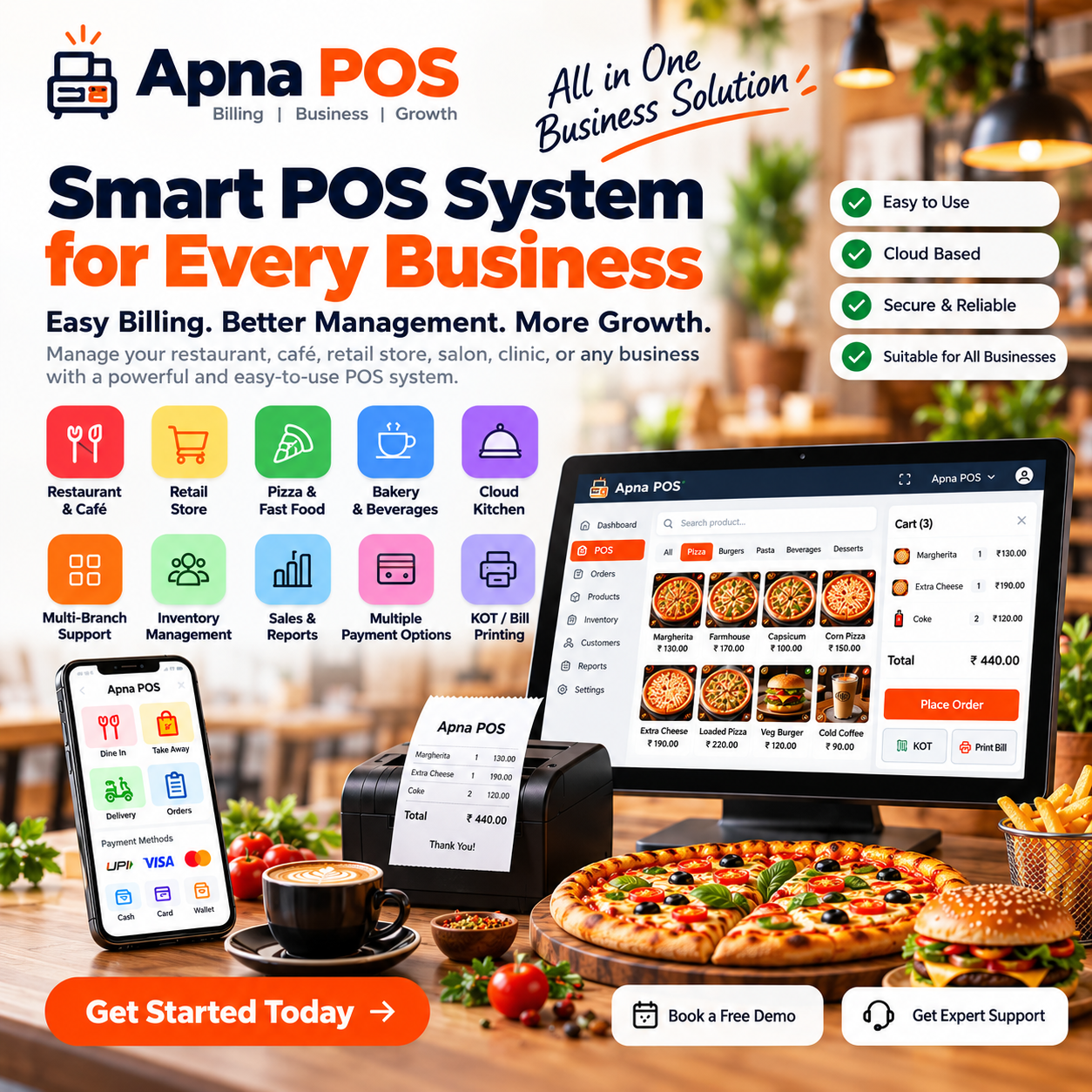
POS Billing Software is most valuable when it improves everyday execution, not when it simply adds another dashboard to the business. Apna POS is POS billing software built for businesses that need fast counter billing, GST-ready invoices, stock-linked sales and clear daily reports — all from one practical point-of-sale billing system. For operators in India, the ideal outcome is straightforward: faster service at the counter, better visibility into stock and reports that help owners make decisions without waiting for someone to compile numbers manually.
That is why this page looks at POS billing software through the lens of real operating conditions in India. Whether you run Retail stores, Restaurants and cafes, Grocery and kirana shops, and Pharmacies or another format close to point-of-sale billing, counter checkout and connected invoice workflows, the software should help your team complete work faster while giving management cleaner business visibility.
Many businesses in India start with basic billing tools, manual registers or disconnected spreadsheets. The result is predictable: slow checkout when customer queues build up, billing and stock records that do not match, and manual invoice corrections at day end. When teams spend too much time correcting invoices, checking stock manually or confirming numbers at closing time, the software is not helping the business scale; it is creating friction inside the operation.
The issue usually becomes clearer as the business grows. More products, more counters or more branches introduce more pressure on accuracy and reporting. A purpose-built POS billing software setup should reduce that pressure. It should simplify billing for staff, connect stock and sales for managers and give owners a clear picture of what is happening without digging through multiple systems.
The best POS billing software pages do not rank because they repeat one keyword over and over. They rank because they answer the questions business owners in India actually ask before buying: Will the team learn this quickly? Will billing speed improve? Will product or stock visibility become clearer? Will the reports make management easier? Apna POS is positioned around those practical concerns rather than abstract feature lists.
A strong solution should connect the whole operating loop. Billing should be clean, inventory should stay visible, invoices should remain consistent and management should get useful reports at the end of the day. When those elements work together, software becomes an operational advantage instead of just another tool the staff has to open.
Complete bills at the counter in seconds with a POS billing flow designed for high-frequency Indian business transactions.
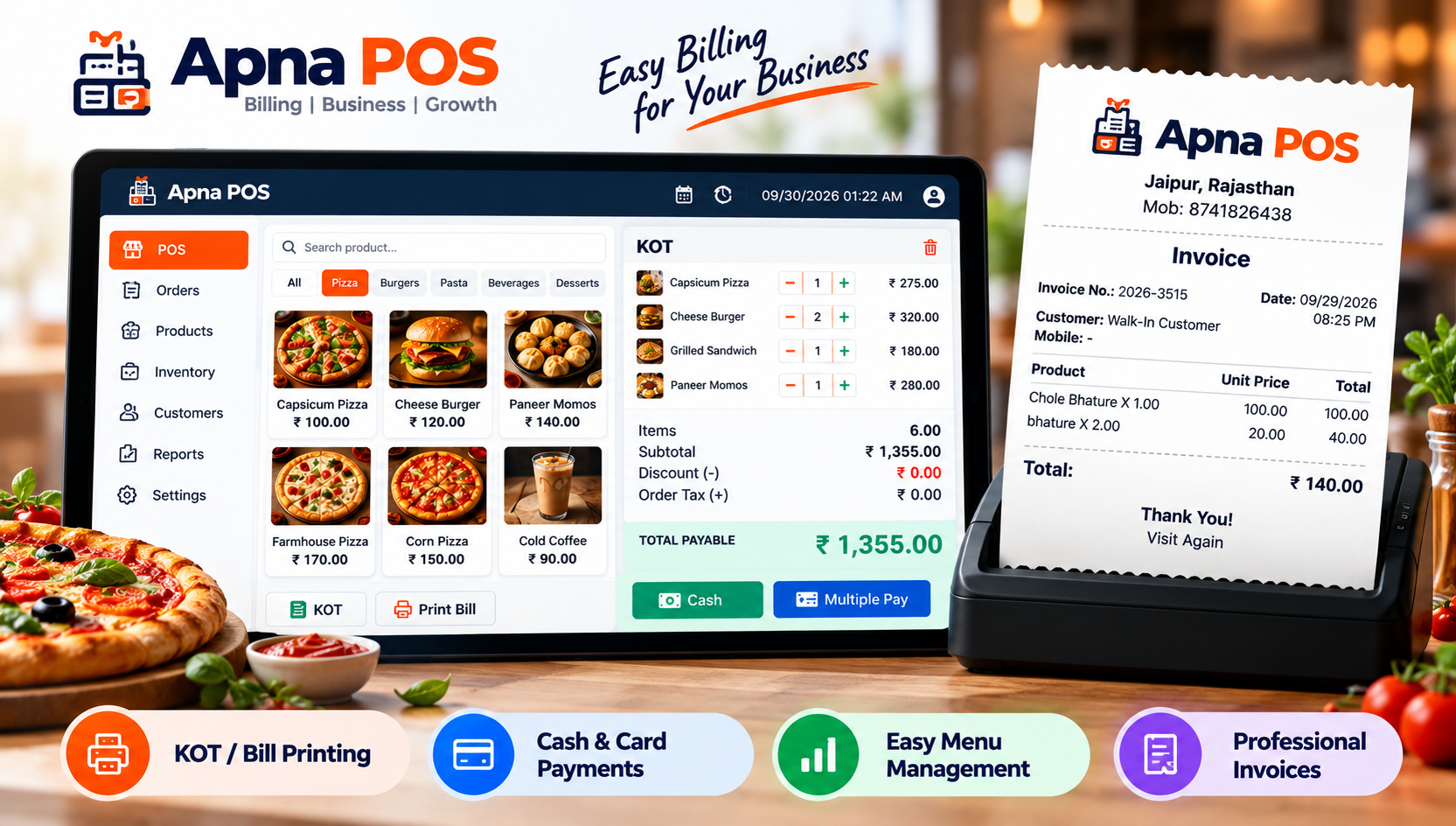
Print clean tax-ready invoices directly from the POS billing system without switching to a separate invoicing tool.
Every POS bill can update inventory automatically so owners see product movement without manual reconciliation.
Scan products at checkout to reduce typing errors and keep busy retail counters moving faster.
Handle cash, UPI and mixed payments in one POS billing system that keeps records organized for closing time.
Review sales totals, top items and outlet performance from the same POS billing software your team uses all day.
Apna POS is a practical fit for Retail stores, Restaurants and cafes, Grocery and kirana shops, Pharmacies, Wholesale counters, and Multi-outlet businesses. These business formats may look different on the surface, but they share a similar need: a system that is easy for the team to use and detailed enough for ownership to trust. That balance matters in India because many businesses cannot afford a long software learning curve every time they hire or open a new counter.
If you are comparing vendors, ask a simple question: does the product help the actual operating team work faster while giving ownership a better view of the business? If the answer is no, the feature list will not rescue the implementation later. The right fit should feel useful to the person creating the bill and to the person reviewing the report at night.
Owners generally do not buy software because they want more screens. They buy it because they want faster counter billing, cleaner GST invoice records, and better stock accuracy after each sale. When the platform improves those outcomes, the result shows up quickly in the business: smoother counters, fewer avoidable corrections, better conversations about stock and more confidence in management reporting.
These results matter even more for businesses in India where the same owner may oversee billing, purchasing, staff training and business expansion. A dependable system reduces the number of small issues that pull attention away from growth. It gives teams a repeatable process and gives owners cleaner numbers to act on.
Most buying mistakes happen when businesses judge software only by the sales presentation. A better approach is to compare the details that affect daily execution: billing speed at peak hours, GST invoice accuracy, inventory sync after each bill, and staff training time. Ask the vendor to show the exact workflow your staff will use, not a polished tour that avoids real-life complexity.
You should also check whether the system can grow with the business. A platform that works for one outlet but struggles when you add more products, more users or more locations will become expensive to replace later. The right POS billing software should solve today’s bottlenecks while keeping the door open for tomorrow’s expansion.
Indian businesses need POS billing software that handles GST invoices, UPI-heavy checkout, fast staff onboarding and practical reports — without the complexity of enterprise POS systems.
This is where Apna POS aims to be useful. The product messaging focuses on GST-ready invoicing, inventory visibility, outlet-aware reporting and simple daily workflows. That combination is especially relevant for Indian businesses that want strong execution without carrying the complexity of a heavy enterprise rollout from day one.
The best POS billing rollouts start with product setup, GST configuration, invoice format testing and one practice billing session before the live counter goes live. Businesses that take the time to do this groundwork usually see better adoption and fewer surprises in the first few days after launch. They also train staff faster because the workflows mirror the way the business already operates.
If you want to evaluate Apna POS seriously, the best next step is to book a focused demo. Share your business type, number of outlets, rough product count and current challenges. That makes it easier to see whether the billing flow, stock controls and reporting model fit your actual business rather than a generic software scenario.
The same platform can support point-of-sale billing, counter checkout and connected invoice workflows while giving owners clearer reports, practical invoices and a faster route from setup to daily use.
POS billing software is a point-of-sale system that handles counter checkout, GST-ready invoices, payment recording and often stock updates in one connected workflow. It replaces manual registers and disconnected billing tools.
POS billing software is built for live counter transactions — fast product search, barcode scanning, instant invoicing and real-time stock updates. Basic billing software often focuses only on invoice creation without full checkout speed.
Yes. Apna POS supports retail POS billing with GST invoices, barcode workflows, inventory tracking and daily reports designed for Indian store operations.
Test real checkout speed, GST invoice printing, stock updates after billing, staff learning curve and whether owners get useful reports without extra tools.
Share your outlet count, product volume and current billing challenges with the Apna POS team. We will walk you through a demo built around your real workflow.